 OpenAI Codex Documentation
 OpenAI Launches a Chrome Extension That Lets Codex Work in Your Browser Without Taking It Over
The new Codex Chrome extension gives the agent access to browser tabs, DevTools, and signed-in web services — without requiring it to control your browser directly. Released May 7 for Codex Pro users on macOS and Windows.
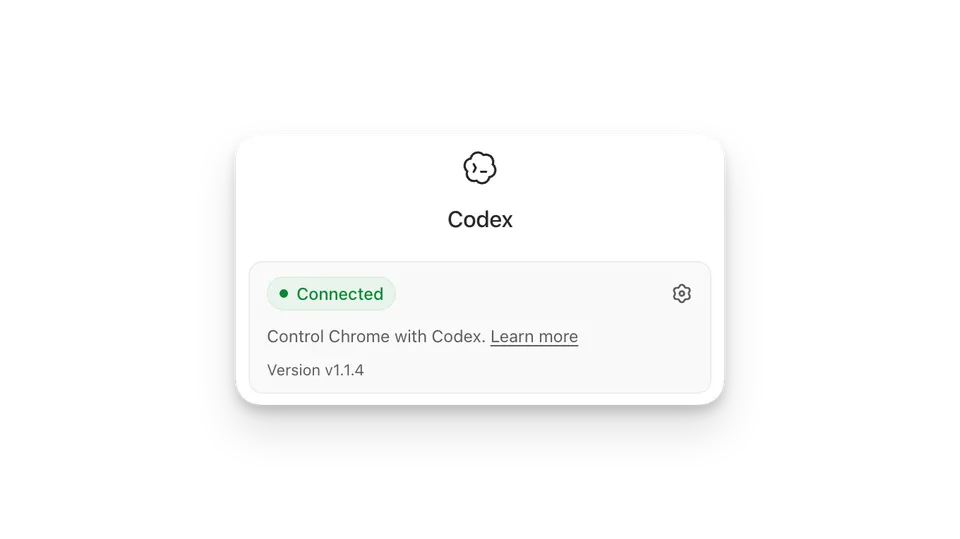
OpenAI shipped a Chrome extension for Codex on May 7, giving the agent browser access without requiring it to take control of your screen. The extension is available on macOS and Windows through the Codex app’s Plugins menu.
What it does
Once the extension is installed, Codex can work across Chrome tabs in the background while you continue using the browser normally. The agent gets its own tab groups for organizing work related to a session, so its activity stays visually separate from yours.
The main scenarios it’s designed for are testing web apps — having Codex open your app, interact with it, and check behavior across pages — and accessing services where authentication matters. The extension can use your existing logged-in sessions on sites like Salesforce, Gmail, and internal tools that require single sign-on. That’s the part that was missing with earlier browser integrations: a plugin or API can call an external service, but it can’t authenticate as you or navigate through a signed-in web interface. The Chrome extension closes that gap.
OpenAI says this came directly from observing actual usage patterns. After rolling out Computer Use in the Codex desktop app, most browser-based workflows were happening in Chrome. A dedicated extension is more targeted than full computer use for those cases.
Permissions and control
The extension requests fairly broad permissions: debugger access, data modification on sites you visit, browsing history, bookmarks, downloads, and native app communication. Before Codex accesses any site or reads your history, it prompts for confirmation. You manage domain allowlists and blocklists through Computer Use settings.
OpenAI states that it doesn’t store a separate log of your Chrome actions from the extension. Browser activity only enters storage when it’s included in a thread — screenshots, page text, tool call results, or summaries. If the agent doesn’t touch something, it isn’t recorded.
The EU and UK are excluded at launch, with support listed as coming soon.
Installation
Open the Codex app, go to Plugins, and follow the install flow. It walks you through getting the extension from the Chrome Web Store and approving the permission prompts.
The release was part of a busy week for Codex: CLI 0.129.0 shipped the same day with a redesigned Vim editing mode and new workflow resumption tools, and CLI 0.130.0 followed on May 8 with a codex remote-control command for headless sessions. OpenAI reported Codex passed 4 million weekly active users around this time, up 8x since January.
More details are in the Codex Chrome extension documentation and the Codex changelog.